Music Memos is gone. What songwriters use instead on a Mac
Updated · By Charlie Crystle, founder
Facts checked October 2026, from Apple's pages and each app's own App Store listing or website. Prices are US App Store prices and vary by region.
Recover the songs buried in your Voice Memos.
Download Unstrander free15 recordings titled and transcribed free. No credit card. No subscription.
For Apple silicon Macs with macOS 26 or later.
What happened to Music Memos?
Apple stopped updating Music Memos and stopped offering it to new users after March 1, 2021. People who already had it could keep using it on iOS 14 or iPadOS 14 and redownload it from their purchase history, but it gets no updates. Apple's advice was to export your ideas to Voice Memos, where they land in a folder called "Music Memos".
If you still have recordings in Music Memos, open the app and accept the export prompt. That's the cleanest way to get them into Voice Memos, and from there onto your Mac.
What did Music Memos do that Voice Memos doesn't?
Music Memos was built for song ideas, not speech. When Apple launched it in 2016, it could:
- Let you name, tag and rate each idea to build a library.
- Analyze the rhythm and chords of acoustic guitar and piano recordings, and show the chords played.
- Add drums and a bass line behind your idea.
- Sync your ideas across your Apple devices through iCloud.
- Send ideas to GarageBand or Logic Pro to develop them.
Voice Memos never picked up the chord detection or the backing band. It has since added folders, favorites, iCloud sync and on-device transcripts of speech, which cover some of the organizing. The tagging and rating, and the sense of a library built for music, are what people still miss.
What should I use instead? It depends on the job
There isn't one replacement, because Music Memos did several jobs. It helps to split them:
- Capture: getting the idea into the phone fast.
- Sketching: adding a second part, a beat, or a rough arrangement.
- The backlog: making sense of the hundreds of ideas you already have.
Most apps are very good at one of these. Here's who does what.
Capture: the best apps for recording song ideas on iPhone
Apple Voice Memos
Free and already on your phone. It records instantly, syncs to your Mac through iCloud, supports folders and favorites, and on iOS 18 or later (on supported models) and on Apple silicon Macs with macOS 15 or later, it transcribes speech in your recordings so you can search it. For most songwriters, it's still the capture tool, and nothing is wrong with that.
What it lacks for music: tags, ratings, any notion of a song, and useful names. Every memo starts as "New Recording" or a place name.
Dubnote
Dubnote, from Vochlea Music (the makers of Dubler), is the most music-aware capture app here. It splits recordings into sections such as verses, hooks and riffs with on-device AI, transcribes lyrics with speech-to-text, detects BPM so ideas move into a DAW, lets you tag moments with emoji or notes and search them, and organizes ideas into notebooks with folders and covers. It also has a vocal pitch monitor while recording.
- Platforms: iPhone and iPad (iOS/iPadOS 17.3 or later).
- Price: free to download, with Pro and Premium subscriptions (monthly or annual) and a lifetime option, as in-app purchases.
- Your audio: the listing says audio stays on your device, with optional iCloud backup; a later version added Dubnote Cloud sync between devices with Sign in with Apple.
Tape It
Tape It, from Tape It Music GmbH, is a recorder for musicians that's been around since 2021. It records stereo and lossless audio, works with external audio interfaces, and lets you set markers while you play. It detects instruments automatically, so you can search for "acoustic guitar" or "synth". You can add chords, BPM, lyrics, notes and photos to a recording, group recordings into "mixtapes", share them with collaborators, and export to MP3 or WAV. Its website says you can import your existing Voice Memos.
- Platforms: iPhone (iOS 17 or later). The App Store also lets the iPhone app run on Apple silicon Macs with macOS 14 or later, marked "Designed for iPhone. Not verified for macOS."
- Price: free to download, with subscriptions and full-version purchases in the app.
- Your audio: on the phone, with optional encrypted cloud storage from Tape It.
Musebox
Musebox is a newer, simpler app: one tap to record a riff, melody, lyric or sketch. Recordings are named automatically, and you can group them into folders and tag them later by song, mood or project, then filter and sort to replay ideas.
- Platforms: iPhone (iOS 26.1 or later); the iPhone app also runs on Apple silicon Macs with macOS 26.1, marked not verified for macOS.
- Price: free.
Songwright
Songwright is a small demo studio in your pocket: four-track recording, automatic transcription of your vocals into lyrics, and a lyrics tab that keeps the words with the music. Recordings and lyrics are encrypted and backed up to your own iCloud. The developer is clear it's not a DAW.
- Platforms: iPhone (iOS 26 or later).
- Price: free to start. A paid Unlimited tier (monthly, yearly or one-time) lifts the song limit and adds per-track transcription, importing and stem export.
Sketching: GarageBand
GarageBand is Apple's free music app for iPhone, iPad and Mac, and it's the natural home for the "add drums and bass" part of what Music Memos did. You can start a song idea on your iPhone and continue it on your Mac, and you can bring a Voice Memos recording into a GarageBand track by saving it to Files and importing it. Music Memos itself sent ideas to GarageBand, so this is the path Apple always intended.
It's a sketchpad and a studio, though, not a library. GarageBand doesn't help you find which of your 400 memos is worth opening in it.
What about the backlog on the Mac?
This is the job none of the apps above set out to do. They're all built around new recordings: capture faster, tag as you go, organize from here on. That's the right design for a capture app, and if you start today with any of them, your future self will thank you.
But most songwriters asking about Music Memos alternatives already have years of ideas in Voice Memos. Importing them into a new app moves the pile; it doesn't sort it. Someone still has to listen to each memo, figure out what it is, name it, and decide whether to keep it.
That backlog lives most comfortably on a Mac, where Voice Memos syncs everything through iCloud and you have a keyboard and a big screen. The manual way to work through it is in How to organize years of Voice Memos song ideas. Before you start, make sure the recordings are safely on the Mac: Back up your Voice Memos to a Mac.
Where Unstrander fits
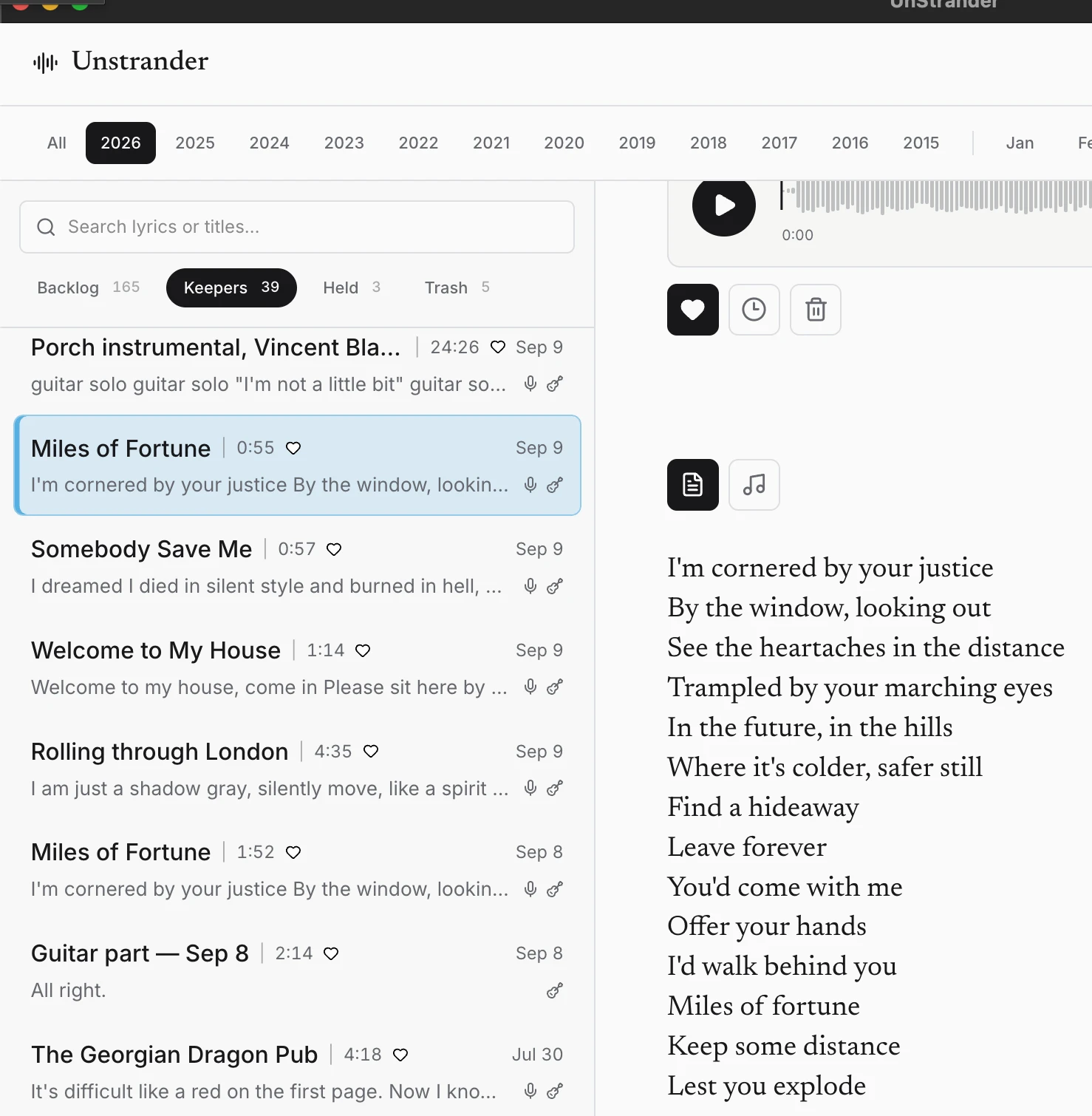
Unstrander is a Mac app for that backlog. It reads the Voice Memos already synced to your Mac, gives each one a descriptive title from what it hears, transcribes the words on your Mac, and lets you search, keep, hold or archive each one, without changing your original recordings. Keep capturing with Voice Memos, or with any app above that exports to it; Unstrander works on what's already there.
It needs an Apple silicon Mac with macOS 26 or later, and it's a one-time purchase with a free trial. More on what it finds and pricing.
Related guides
Your next great song might already be recorded.
You've captured the ideas. Unstrander helps you find them: years of Voice Memos turned into a searchable library, with descriptive titles, lyric transcripts, and a simple way to decide what to keep.
Download Unstrander free15 recordings titled and transcribed free. No credit card. No subscription. One-time $4.99 launch price ($29.99 regular) for unlimited processing.
For Apple silicon Macs with macOS 26 or later.